


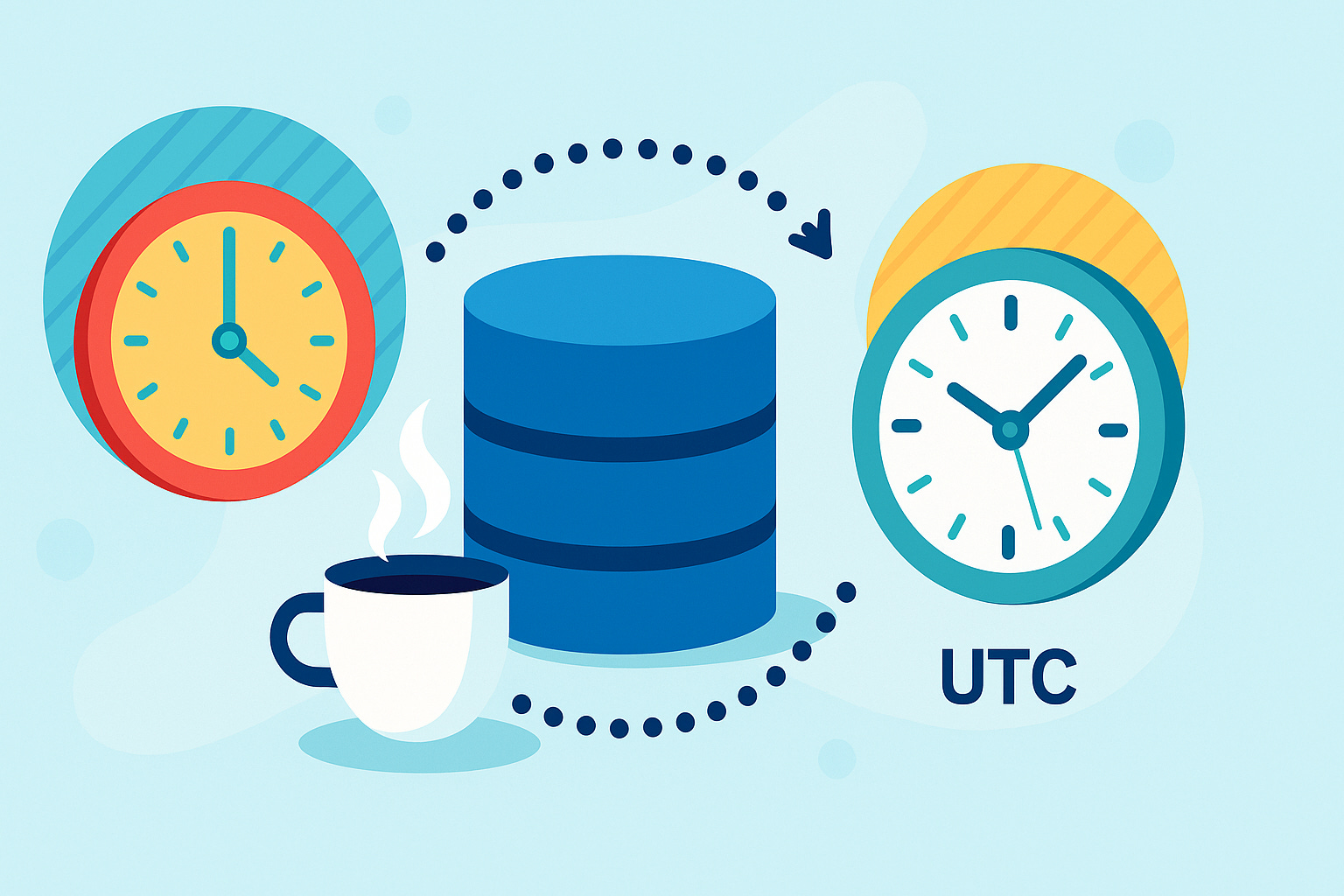
Handling timestamps across time zones is one of those subtle enterprise headaches. A meeting scheduled in Berlin might be stored as UTC, displayed in New York, and analyzed in Singapore. Without explicit offset handling, your application can easily show wrong times or silently shift data.
With Hibernate, you can persist both the instant and its original time-zone offset cleanly using @TimeZoneStorage(TimeZoneStorageType.COLUMN) and @TimeZoneColumn.
This tutorial walks you through building a working Quarkus REST API that stores and retrieves OffsetDateTime with preserved offsets in PostgreSQL.
What You’ll Build
A simple REST API that manages Event entities, each with a start time (OffsetDateTime) that:
Keeps its original offset when persisted and reloaded.
Stores timestamp and offset in separate columns.
Works transparently with Quarkus ORM Panache.
Demonstrates round-trip correctness across zones.
Prerequisites
Java 21+
Maven 3.9+
Podman or even Docker (for Dev Services PostgreSQL)
Project Bootstrap
It’s a small demo. You can easily just do it. But if you want to, feel free to grab the code from my Github repository!
mvn io.quarkus.platform:quarkus-maven-plugin:create \
    -DprojectGroupId=com.example \
    -DprojectArtifactId=timezone-storage-demo \
    -Dextensions="hibernate-orm-panache, jdbc-postgresql, rest-jackson"
cd timezone-storage-demo
Dev Services automatically starts PostgreSQL on first run.
Create the Event Entity
Rename the MyEntity to src/main/java/com/example/Event.java and replace with the following:
package com.example;

import java.time.OffsetDateTime;

import org.hibernate.annotations.TimeZoneColumn;
import org.hibernate.annotations.TimeZoneStorage;
import org.hibernate.annotations.TimeZoneStorageType;

import io.quarkus.hibernate.orm.panache.PanacheEntity;
import jakarta.persistence.Entity;

@Entity
public class Event extends PanacheEntity {

    public String title;

    @TimeZoneStorage(TimeZoneStorageType.COLUMN)
    @TimeZoneColumn(name = "event_offset")
    public OffsetDateTime startTime;

    public String description;
}
How it works
@TimeZoneStorage(TimeZoneStorageType.COLUMN)tells Hibernate to persist the offset separately.@TimeZoneColumndefines the column that will hold the offset (in seconds).The
startTimecolumn itself stores the UTC-normalized timestamp.When the entity is reloaded, Hibernate reconstructs the exact
OffsetDateTimevalue.
Create the Resource
Rename the GreetingResource to src/main/java/com/example/EventResource.java and replace with the following:
package com.example;

import java.time.OffsetDateTime;
import java.util.List;

import jakarta.transaction.Transactional;
import jakarta.ws.rs.Consumes;
import jakarta.ws.rs.GET;
import jakarta.ws.rs.POST;
import jakarta.ws.rs.Path;
import jakarta.ws.rs.PathParam;
import jakarta.ws.rs.Produces;
import jakarta.ws.rs.core.MediaType;

@Path(”/events”)
@Produces(MediaType.APPLICATION_JSON)
@Consumes(MediaType.APPLICATION_JSON)
public class EventResource {

    @GET
    public List<Event> list() {
        return Event.listAll();
    }

    @POST
    @Transactional
    public Event create(Event event) {
        event.persist();
        return event;
    }

    @GET
    @Path(”/{id}”)

    public Event get(@PathParam(”id”) Long id) {
        return Event.findById(id);
    }

    @GET
    @Path(”/upcoming”)

    public List<Event> upcoming() {
        return Event.list(”startTime > ?1”, OffsetDateTime.now());
    }
}
This simple REST API lets you create, list, and query events.
Preserving the Offset during Serialization
By default, Jackson normalizes OffsetDateTime values to UTC during JSON deserialization, which drops the original offset. For example, “2025-10-23T09:00:00+02:00” becomes 2025-10-23T07:00:00Z in memory. This breaks applications that need to store the original offset separately, such as when using Hibernate’s @TimeZoneStorage(TimeZoneStorageType.COLUMN).
The JacksonConfig class implements Quarkus’s ObjectMapperCustomizer to disable DeserializationFeature.ADJUST_DATES_TO_CONTEXT_TIME_ZONE, ensuring the OffsetDateTime retains its original offset during deserialization. This lets Hibernate persist both the timestamp and the offset correctly, preserving the original timezone information through the request-to-database pipeline.
Create: src/main/java/com/example/JacksonConfig.java
package com.example;

import com.fasterxml.jackson.databind.DeserializationFeature;
import com.fasterxml.jackson.databind.ObjectMapper;

import io.quarkus.jackson.ObjectMapperCustomizer;
import jakarta.inject.Singleton;

@Singleton
public class JacksonConfig implements ObjectMapperCustomizer {

    @Override
    public void customize(ObjectMapper objectMapper) {
        // Disable adjusting dates to context time zone to preserve offset
        objectMapper.disable(DeserializationFeature.ADJUST_DATES_TO_CONTEXT_TIME_ZONE);
    }
}
Configure Quarkus
src/main/resources/application.properties
quarkus.hibernate-orm.schema-management.strategy=drop-and-create
quarkus.hibernate-orm.log.sql=true
quarkus.hibernate-orm.log.bind-parameters=true

%dev.quarkus.hibernate-orm.dev-ui.allow-hql=true

%dev.quarkus.datasource.dev-ui.allow-sql=true
This tells Hibernate to drop and create tables during startup and log sql statements and bindings to the console. We also enable the HQL console in the Dev UI.
Run and Verify
Start the app:
./mvnw quarkus:devCreate an event from your local time zone:
curl -X POST http://localhost:8080/events \
  -H "Content-Type: application/json" \
  -d '{"title":"Morning Sync","description":"Team kickoff","startTime":"2025-10-23T09:00:00+02:00"}'
Check the logs:
[Hibernate]
    insert
    into
        Event
        (description, start_time, start_time_offset, title, id)
    values
        (?, ?, ?, ?, ?)

 binding parameter (1:VARCHAR) <- [Team kickoff]
 binding parameter (2:TIMESTAMP_UTC) <- [2025-10-23T07:00:00Z]
 binding parameter (3:INTEGER) <- [+02:00]
 binding parameter (4:VARCHAR) <- [Morning Sync]
 binding parameter (5:BIGINT) <- [2]
You should get the following back:
{
  “id”: 1,
  “title”: “Morning Sync”,
  “startTime”: “2025-10-23T09:00:00+02:00”,
  “description”: “Team kickoff”
}
Now it’s time to look at the database:
# figure out the container name for postgresql
podman ps
Connect to the database container:
podman exec -ti sharp_chatelet bashconnect to the database:
psql -U quarkusSelect the entries in the db:
select * from event;Example output:
 start_time_offset | id |     start_time      | description  |    title
-------------------+----+---------------------+--------------+--------------
              7200 |  1 | 2025-10-23 07:00:00 | Team kickoff | Morning Sync
Even though PostgreSQL stores the UTC-normalized timestamp (07:00:00), Hibernate also stores the offset (7200 seconds = 2 hours) separately and reassembles it automatically.
Test the Round Trip
Fetch the entity back:
curl http://localhost:8080/events/1Response:
{
  “id”: 1,
  “title”: “Morning Sync”,
  “startTime”: “2025-10-23T09:00:00+02:00”,
  “description”: “Team kickoff”
}
The offset survived the round trip.
Querying Across Zones
If you want to display the event time in another zone:
 @GET
    @Path(”/{id}/convert”)
    public Event convert(@PathParam(”id”) Long id, @jakarta.ws.rs.QueryParam(”zoneId”) String zoneId) {
        Event event = Event.findById(id);
        if (event == null) {
            throw new jakarta.ws.rs.NotFoundException(”Event with id “ + id + “ not found”);
        }

        // Convert the OffsetDateTime to the specified timezone (same instant, different
        // offset)
        OffsetDateTime convertedStartTime = event.startTime
                .atZoneSameInstant(java.time.ZoneId.of(zoneId))
                .toOffsetDateTime();

        // Create a new Event with the converted startTime
        Event convertedEvent = new Event();
        convertedEvent.id = event.id;
        convertedEvent.title = event.title;
        convertedEvent.description = event.description;
        convertedEvent.startTime = convertedStartTime;

        return convertedEvent;
    }
Request example:
curl “http://localhost:8080/events/1/convert?zoneId=America/New_York” | jqResponse:
{
  “id”: 1,
  “title”: “Morning Sync”,
  “startTime”: “2025-10-23T03:00:00-04:00”,
  “description”: “Team kickoff”
}
Production Considerations
Schema: Hibernate will generate a timestamp column plus an offset column (e.g.,
event_offset varchar). Verify these fit your schema policy.Database: Works best with PostgreSQL and any JDBC driver that doesn’t natively support full time-zone types.
Auditing: For audit tables, this ensures you can reconstruct exact user-local times later.
Batch jobs: When comparing timestamps across zones, normalize to UTC for consistent logic.
Search queries: Convert criteria to UTC before executing SQL comparisons, since the stored instant is normalized.
Why This Matters
Before Hibernate 7, developers had to:
Store only UTC timestamps and lose the original offset, or
Maintain a custom
offsetMinutescolumn manually, orSerialize
OffsetDateTimeas text via converters.
Now, Hibernate natively persists both components.
You write clean Java code and Hibernate ensures fidelity across time zones.
Verification Checklist
To verify correct behavior:
Insert records with multiple offsets (
+02:00,-05:00,+09:00).Query them back and ensure each retains its original offset.
Confirm that database
startTimecolumn values differ appropriately (all UTC-normalized).Validate that JSON serialization via Jackson produces ISO-8601 with offsets.
Key Takeaways
Use
@TimeZoneStorage(TimeZoneStorageType.COLUMN)to preserve offsets.Quarkus 3.28+ includes Hibernate 7, so this works natively.
Ideal for multi-region, user-facing, or audit-critical systems.
No need for custom converters or extra columns.
The right timestamp is not just about time, it’s about trust.