


There is a point in every enterprise system where simple request-response breaks down.
Order processing that spans minutes or hours.
Approval chains that pause for humans.
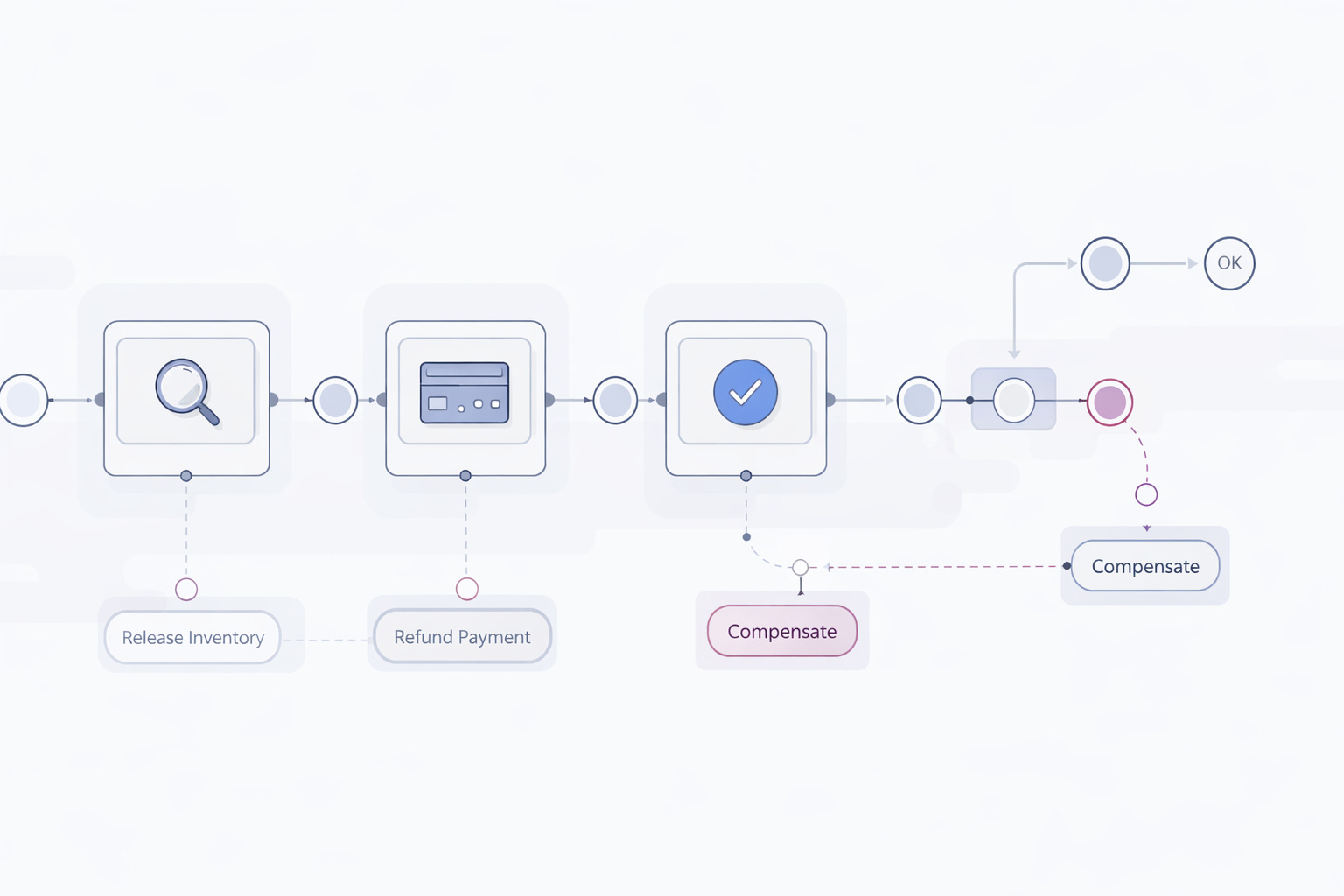
Compensations when one step fails after three others already succeeded.
For years, we solved this with a mix of databases, message brokers, retries, and a lot of discipline. It works. Until it doesn’t.
This is where Temporal changes the model.
Temporal lets you write long-running workflows as plain Java code. The platform guarantees durability, retries, and state recovery. Quarkus makes it feel like a natural part of your application instead of a separate system.
This tutorial shows how.
We will build a small but realistic order workflow. It survives crashes, supports versioning, implements a saga, and is fully testable.
No toy abstractions. No magic.
What we are building
A simple order processing workflow.
Reserve inventory
Charge payment
Confirm the order
Compensate if something fails
The workflow must:
Survive restarts
Retry failed steps safely
Compensate completed steps on failure
Be versionable
Be testable
Expose metrics
Prerequisites and versions
This tutorial assumes:
Java 21
Maven 3.9+
Quarkus CLI
Podman and podman-compose
Project bootstrap
Create the project using the Quarkus CLI or grab everything you need from my Github repository.
quarkus create app com.example:order-workflows \
  --extension="quarkus-temporal,rest-jackson"
cd order-workflows
This pulls in:
REST endpoints for starting workflows
Running Temporal locally
Temporal runs as a separate service. And unfortunatually there is no Dev Service available for the Quarkus extension. So we are using podman compose to start the instance with postgresql and the UI.
Create a file: compose-devservices.yml in your project root:
name: order-workflows

version: '3.5'

networks:
  temporal-network:
    driver: bridge

services:
  postgresql:
    image: postgres:17
    container_name: temporal-postgresql
    networks:
      - temporal-network
    ports:
      - '5432:5432'
    environment:
      - POSTGRES_USER=temporal
      - POSTGRES_PASSWORD=temporal
      - POSTGRES_DB=temporal
    volumes:
      - postgres-data:/var/lib/postgresql/data
    healthcheck:
      test: ["CMD-SHELL", "pg_isready -U temporal -d temporal"]
      interval: 5s
      timeout: 5s
      retries: 10

  temporal:
    image: temporalio/auto-setup:1.24
    container_name: temporal-server
    networks:
      - temporal-network
    depends_on:
      postgresql:
        condition: service_healthy
    ports:
      - '7233:7233'
      - '8088:8088'
    environment:
      - DB=postgres12
      - DB_PORT=5432
      - POSTGRES_SEEDS=postgresql
      - POSTGRES_USER=temporal
      - POSTGRES_PWD=temporal
      - DBNAME=temporal
      - VISIBILITY_DBNAME=temporal_visibility
      - SKIP_DB_CREATE=false
      - SKIP_SCHEMA_SETUP=false
      - SKIP_DEFAULT_NAMESPACE_CREATION=false

  temporal-ui:
    image: temporalio/ui:2.24.0
    container_name: temporal-ui
    networks:
      - temporal-network
    depends_on:
      - temporal
    ports:
      - '8080:8080'
    environment:
      - TEMPORAL_ADDRESS=temporal:7233
      - TEMPORAL_CORS_ORIGINS=http://localhost:3000

volumes:
  postgres-data:
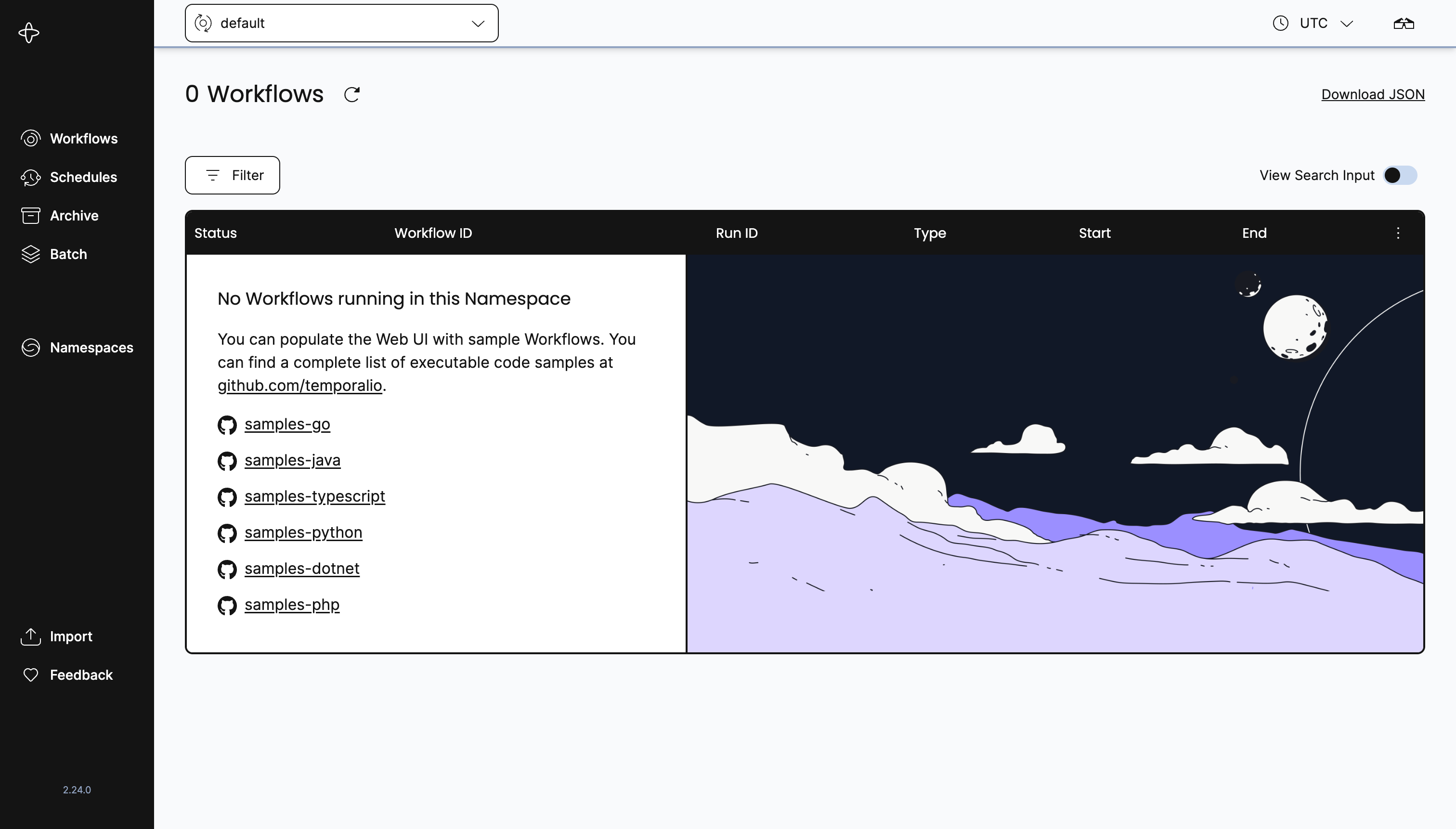
Temporal Web UI will be available on port 8080 if you want visual inspection.
Let’s start this:
podman-compose -f compose-devservices.yml upGive it a quick test at http://localhost:8080/
NOTE: We have Temporal write all data to a persistent volume. If you want to start fresh, you will have to delete it while the containers are down:
podman volume prune -fQuarkus and Temporal Configuration
Configure gRPC and the http port in application.properties.
quarkus.grpc.server.use-separate-server=false
quarkus.http.port=8081

# With Quarkus Temporal, workflows and activities must be registered
# on a worker, and that worker must be bound to the same task queue.
# This does: start a worker and poll the OrderWorkflow task queue.
quarkus.temporal.worker.task-queue=OrderWorkflow
That is enough for local development.
No XML. No client factories.
Defining the workflow contract
Temporal workflows are interfaces.
They define the durable contract.
package com.example.workflow;

import io.temporal.workflow.WorkflowInterface;
import io.temporal.workflow.WorkflowMethod;

@WorkflowInterface
public interface OrderWorkflow {

    @WorkflowMethod
    void processOrder(String orderId);
}
Workflows must be deterministic.
No random numbers. No system time. No external calls.
External work goes into activities.
Defining activities
Activities perform side effects.
Each activity is a regular Java interface.
package com.example.workflow;

import io.temporal.activity.ActivityInterface;
import io.temporal.activity.ActivityMethod;

@ActivityInterface
public interface OrderActivities {

    @ActivityMethod
    void reserveInventory(String orderId);

    @ActivityMethod
    void chargePayment(String orderId);

    @ActivityMethod
    void confirmOrder(String orderId);

    @ActivityMethod
    void releaseInventory(String orderId);

    @ActivityMethod
    void refundPayment(String orderId);
}
Notice the compensation methods.
This is intentional. We will use them for the saga.
Implementing activities
Activities can inject CDI beans and call external systems.
package com.example.workflow;

import io.quarkus.logging.Log;
import jakarta.enterprise.context.ApplicationScoped;

@ApplicationScoped
public class OrderActivitiesImpl implements OrderActivities {

    @Override
    public void reserveInventory(String orderId) {
        Log.infof("Inventory reserved for %s", orderId);
    }

    @Override
    public void chargePayment(String orderId) {
        Log.infof("Payment charged for %s", orderId);
    }

    @Override
    public void confirmOrder(String orderId) {
        Log.infof("Order confirmed %s", orderId);
    }

    @Override
    public void releaseInventory(String orderId) {
        Log.infof("Inventory released for %s", orderId);
    }

    @Override
    public void refundPayment(String orderId) {
        Log.infof("Payment refunded for %s", orderId);
    }
}
In real systems, this is where REST calls, messaging, or database access happens.
Implementing the workflow
This is the core of Temporal.
package com.example.workflow;

import java.time.Duration;

import io.temporal.activity.ActivityOptions;
import io.temporal.workflow.Workflow;

public class OrderWorkflowImpl implements OrderWorkflow {

    private final OrderActivities activities = Workflow.newActivityStub(
            OrderActivities.class,
            ActivityOptions.newBuilder()
                    .setStartToCloseTimeout(Duration.ofSeconds(10))
                    .setRetryOptions(
                            io.temporal.common.RetryOptions.newBuilder()
                                    .setMaximumAttempts(3)
                                    .build())
                    .build());

    @Override
    public void processOrder(String orderId) {

        try {
            activities.reserveInventory(orderId);
            activities.chargePayment(orderId);
            activities.confirmOrder(orderId);

        } catch (Exception e) {

            Workflow.getLogger(this.getClass())
                    .error("Order failed, compensating", e);

            compensate(orderId);
            throw e;
        }
    }

    private void compensate(String orderId) {
        activities.refundPayment(orderId);
        activities.releaseInventory(orderId);
    }
}
Key observations:
Retries are automatic
State is durable
If the worker crashes, execution resumes
Compensation is explicit and readable
This is the saga pattern in plain Java.
Workflow versioning and migrations
Business logic evolves.
Temporal provides versioning to keep running workflows compatible.
int version = Workflow.getVersion(
        "order-confirmation",
        Workflow.DEFAULT_VERSION,
        1
);

if (version == 1) {
    activities.confirmOrder(orderId);
}
Rules:
Never delete old branches
Only add new versions
Keep code deterministic
This avoids replay failures during upgrades.
Registering the worker
We registered the worker in the application.properties already.
No manual worker bootstrap is required.
As soon as the application starts, the worker is active.
Starting workflows via REST
Expose a simple endpoint.
package com.example.api;

import com.example.workflow.OrderWorkflow;

import io.temporal.client.WorkflowClient;
import io.temporal.client.WorkflowOptions;
import jakarta.inject.Inject;
import jakarta.ws.rs.POST;
import jakarta.ws.rs.Path;

@Path("/orders")
public class OrderResource {

    @Inject
    WorkflowClient workflowClient;

    @POST
    @Path("/{id}")
    public void start(String id) {

        OrderWorkflow workflow = workflowClient.newWorkflowStub(
                OrderWorkflow.class,
                WorkflowOptions.newBuilder()
                        .setTaskQueue("OrderWorkflow")
                        .build());

        WorkflowClient.start(workflow::processOrder, id);
    }
}
This returns immediately.
The workflow continues in the background.
Give this a quick test:
curl -X POST http://localhost:8081/orders/order-123And watch the application logs:
[com.example.workflow.OrderActivitiesImpl] (Activity Executor taskQueue="OrderWorkflow", namespace="default": 1) Inventory reserved for order-123
[io.temporal.serviceclient.WorkflowServiceStubsImpl] (TemporalShutdownManager: 1) Created WorkflowServiceStubs for channel: ManagedChannelOrphanWrapper{delegate=ManagedChannelImpl{logId=13, target=127.0.0.1:7233}}
[com.example.workflow.OrderActivitiesImpl] (Activity Executor taskQueue="OrderWorkflow", namespace="default": 1) Payment charged for order-123
[com.example.workflow.OrderActivitiesImpl] (Activity Executor taskQueue="OrderWorkflow", namespace="default": 1) Order confirmed order-123
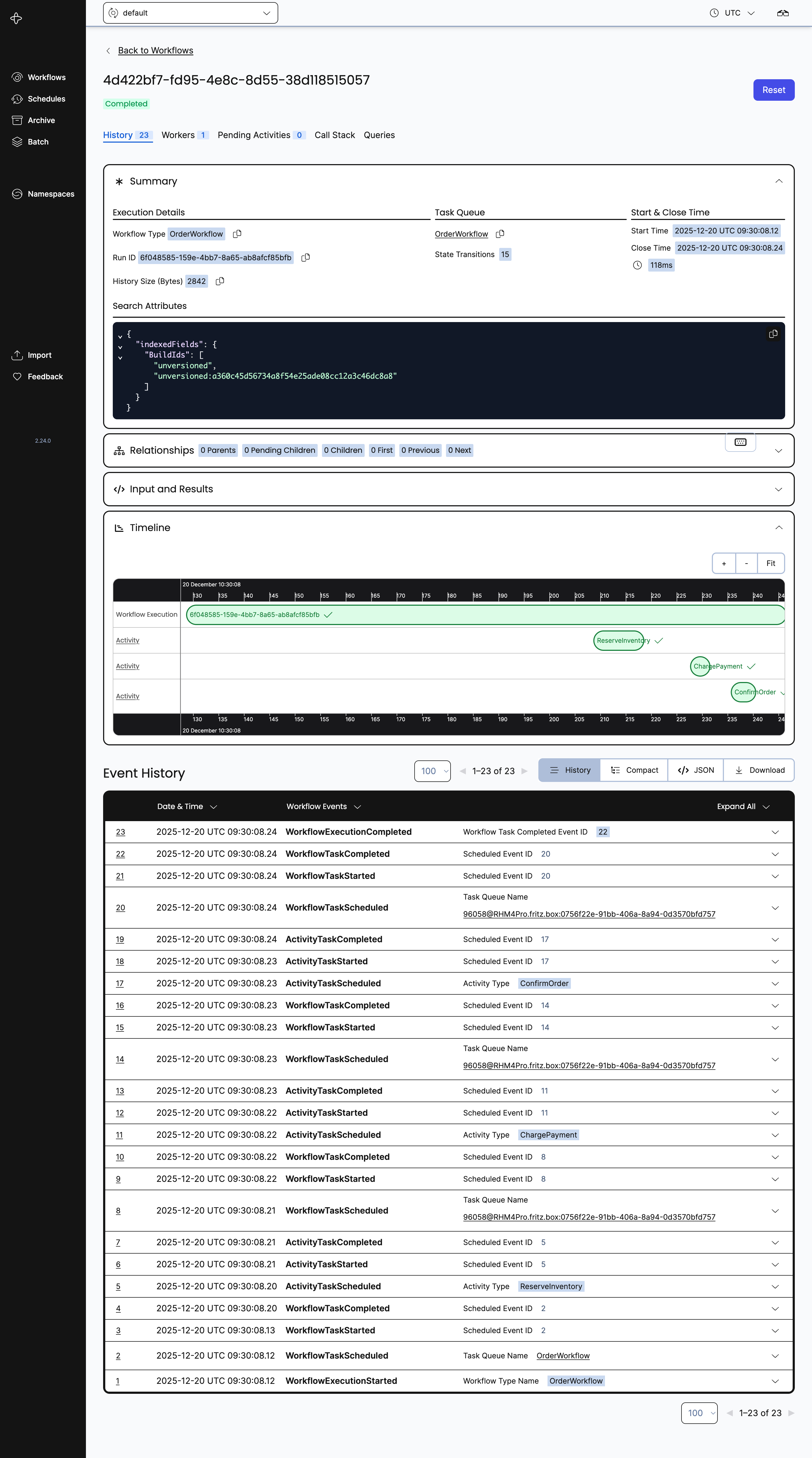
Take a look at the Admin UI again:
Production considerations
Temporal is infrastructure.
Treat it as such.
Run Temporal as a managed service or clustered deployment
Separate task queues per domain
Apply strict versioning discipline
Monitor workflow backlogs
Use idempotent activities
Do not hide business logic inside activities. Keep it in workflows.
When to use this pattern
Temporal with Quarkus is ideal for:
Order processing
Approval workflows
Long-running data pipelines
Multi-step integrations
Human-in-the-loop processes
If your workflow spans time, failures, or organizations, this fits.
Durable workflow using Quarkus and Temporal
We implemented activities, retries, sagas, versioning, tests, and metrics.
The result is readable Java code with strong operational guarantees.
Temporal does not replace your architecture.
It replaces the fragile parts.
Write workflows like code. Let the platform handle time.
Great article! I have implemented a state machine using postgres for a verification system but I did all the workflow logic by myself. This is definetely a better approach, specially because of the temporal UI tracks everything. Here is the official temporal.io helm charts to deploy to k8s https://github.com/temporalio/helm-charts