


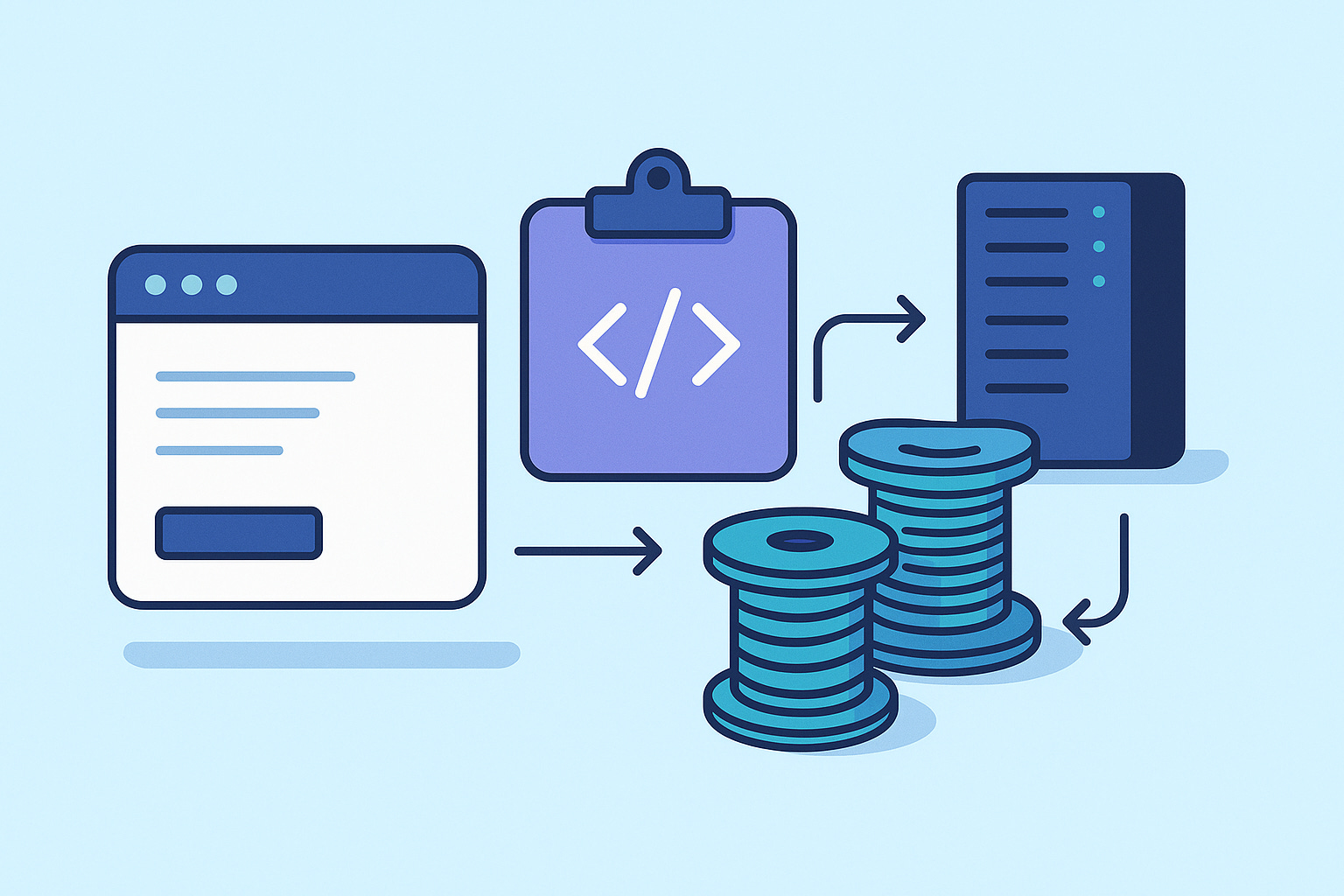
Virtual Threads (Project Loom) changed Java forever. They give you the simplicity of synchronous code with the scalability of asynchronous programming, without the complexity of reactive stacks. Quarkus embraced them early, offering seamless integration for REST, messaging, and background tasks.
This tutorial is the ultimate walkthrough for using Virtual Threads in Quarkus today.
Prerequisites
You need:
Java 21+
Maven 3.9+
Quarkus 3.30 or newer
Basic familiarity with REST and concurrency
Podman or Docker optional (for Dev Services)
Virtual Threads from a Java Perspective
Before talking about Quarkus, understand what changed in the JVM.
A Virtual Thread is still a Thread. It runs your code. It blocks. It has a stack. But:
It doesn’t map 1:1 to a native OS thread
It suspends and resumes cheaply
It consumes far less memory
You can create millions of them
This works because the JVM now schedules threads itself instead of asking the OS to do it.
Classic Java threads required pools, hand-tuned sizes, async APIs, and complicated orchestration. With Virtual Threads, blocking code becomes cheap again. Calls like:
var response = client.send(request, BodyHandlers.ofString());no longer occupy an OS thread. When the thread blocks, it unmounts from the carrier thread, freeing it for other work.
The key shift:
You keep writing synchronous Java code. The runtime scales it for you.
This is why Quarkus integrates virtual threads natively. Most enterprise workloads are I/O-heavy. Virtual Threads make them trivial to scale.
Creating the Quarkus Project
mvn io.quarkus:quarkus-maven-plugin:create \
    -DprojectGroupId=com.example \
    -DprojectArtifactId=virtual-threads-demo \
    -DclassName="com.example.VirtualThreadResource" \
    -Dpath="/api/demo"
    -Dextensions="rest-jackson"
cd virtual-threads-demo
Add the required extension
This part is essential and often forgotten.
./mvnw quarkus:add-extension -Dextensions="io.quarkus:quarkus-virtual-threads"This activates the integration between Quarkus and Loom.
Configure Java 21
In pom.xml:
<properties>
    <maven.compiler.source>21</maven.compiler.source>
    <maven.compiler.target>21</maven.compiler.target>
</properties>
Enable Virtual Threads in Quarkus
Open src/main/resources/application.properties:
quarkus.virtual-threads.enabled=true
quarkus.http.io-threads=8
io-threads still handle networking but all your app logic runs on virtual threads.
Your First Virtual Thread Endpoint
package com.example;

import io.smallrye.common.annotation.RunOnVirtualThread;
import jakarta.ws.rs.GET;
import jakarta.ws.rs.Path;
import jakarta.ws.rs.Produces;
import jakarta.ws.rs.core.MediaType;

@Path(”/api/demo”)
public class VirtualThreadResource {

    @GET
    @Path(”/hello”)
    @Produces(MediaType.TEXT_PLAIN)
    @RunOnVirtualThread
    public String hello() {
        return “Hello from: “ + Thread.currentThread();
    }
}
Run:
mvn quarkus:devTest:
curl http://localhost:8080/api/demo/helloYou’ll see something like:
Hello from: VirtualThread[#115,quarkus-virtual-thread-0]/runnable@ForkJoinPool-1-worker-1This confirms your endpoint runs on a virtual thread.
Simulating Blocking I/O
Virtual Threads shine when doing blocking work (DB, file, HTTP calls).
Fake blocking service
src/main/java/com/example/DatabaseSimulator.java:
package com.example;

import java.util.concurrent.TimeUnit;

import jakarta.enterprise.context.ApplicationScoped;

@ApplicationScoped
public class DatabaseSimulator {

    public String queryDatabase(String query) {
        try {
            TimeUnit.MILLISECONDS.sleep(500);
        } catch (InterruptedException e) {
            Thread.currentThread().interrupt();
        }
        return “Result for: “ + query;
    }

    public String slowQuery(long delayMs) {
        try {
            TimeUnit.MILLISECONDS.sleep(delayMs);
        } catch (InterruptedException e) {
            Thread.currentThread().interrupt();
        }
        return “Slow query took “ + delayMs + “ms”;
    }
}
Endpoints using blocking calls
Update VirtualThreadResource:
    import java.util.List;

    @Inject
    DatabaseSimulator db;

    @GET
    @Path(”/query”)
    @Produces(MediaType.TEXT_PLAIN)
    @RunOnVirtualThread
    public String query() {
        long start = System.currentTimeMillis();
        String result = db.queryDatabase(”SELECT * FROM users”);
        long duration = System.currentTimeMillis() - start;

        return “Thread: “ + Thread.currentThread() +
                “\nResult: “ + result +
                “\nDuration: “ + duration + “ms”;
    }

    @GET
    @Path(”/multiple-queries”)
    @Produces(MediaType.APPLICATION_JSON)
    @RunOnVirtualThread
    public List<String> multipleQueries() {
        return java.util.stream.IntStream.range(0, 5)
                .mapToObj(i -> db.queryDatabase(”Query “ + i))
                .toList();
    }
Those blocking sleeps scale effortlessly.
Parallel Execution with Virtual Threads
Virtual Threads make parallelism trivial. Add the following to your resource:
import java.util.Map;
import java.util.concurrent.Executors;

 @GET
    @Path(”/parallel/{count}”)
    @Produces(MediaType.APPLICATION_JSON)
    @RunOnVirtualThread
    public Map<String, Object> parallel(@PathParam(”count”) int count) {
        long start = System.currentTimeMillis();

        try (var executor = Executors.newVirtualThreadPerTaskExecutor()) {

            var futures = java.util.stream.IntStream.range(0, count)
                    .mapToObj(i -> executor.submit(() -> db.slowQuery(1000)))
                    .toList();

            var results = futures.stream()
                    .map(f -> {
                        try {
                            return f.get();
                        } catch (Exception e) {
                            return “Error: “ + e.getMessage();
                        }
                    })
                    .toList();

            long duration = System.currentTimeMillis() - start;
            return Map.of(”count”, count, “duration_ms”, duration, “results”, results);
        }
    }
Test:
curl http://localhost:8080/api/demo/parallel/10This completes in ~3 second instead of 10.
Virtual Threads in Messaging (Kafka / AMQP / Pulsar)
This is where many enterprise workloads live. Quarkus virtual-thread integration applies to incoming message consumers too.
Add the Messaging extension:
./mvnw quarkus:add-extension -Dextensions="quarkus-messaging-kafka"Now create a channel in application.properties:
mp.messaging.incoming.orders.connector=smallrye-kafka
mp.messaging.incoming.orders.topic=orders
mp.messaging.incoming.orders.value.deserializer=org.apache.kafka.common.serialization.StringDeserializer
Create a consumer using virtual threads:
package com.example;

import org.eclipse.microprofile.reactive.messaging.Incoming;

import io.smallrye.common.annotation.RunOnVirtualThread;
import jakarta.enterprise.context.ApplicationScoped;

@ApplicationScoped
public class OrderProcessor {

    @Incoming(”orders”)
    @RunOnVirtualThread
    public void process(String orderJson) {
        System.out.println(”Order processed by: “ + Thread.currentThread());
    }
}
Quarkus enforces a concurrency cap (default: 1024) to avoid flooding downstream systems.
Thread Diagnostics
    @GET
    @Path(”/info”)
    @Produces(MediaType.APPLICATION_JSON)
    public Map<String, Object> info() {
        var t = Thread.currentThread();
        return Map.of(
                “thread”, t.toString(),
                “is_virtual”, t.isVirtual(),
                “active_threads”, Thread.activeCount());
    }
Without @RunOnVirtualThread, Quarkus uses a platform thread from its executor pool.
With @RunOnVirtualThread, the request runs on a virtual thread.
This demonstrates that virtual threads are opt-in in Quarkus; you must annotate endpoints to use them.
Performance Load Test
@GET
    @Path(”/load-test/{n}”)
    @Produces(MediaType.APPLICATION_JSON)
    @RunOnVirtualThread
    public Map<String, Object> load(@PathParam(”n”) int n) {
        long start = System.currentTimeMillis();

        try (var executor = Executors.newVirtualThreadPerTaskExecutor()) {

            var tasks = java.util.stream.IntStream.range(0, n)
                    .mapToObj(i -> executor.submit(() -> {
                        db.slowQuery(100);
                        return i;
                    })).toList();

            long done = tasks.stream().filter(f -> {
                try {
                    f.get();
                    return true;
                } catch (Exception e) {
                    return false;
                }
            }).count();

            long duration = System.currentTimeMillis() - start;

            return Map.of(
                    “requested”, n,
                    “completed”, done,
                    “duration_ms”, duration,
                    “rps”, (n * 1000.0) / duration);
        }
    }
Test:
curl http://localhost:8080/api/demo/load-test/1000Creates 1000 tasks, each calling db.slowQuery(100) (sleeps for 100ms).
Uses a virtual thread executor (Executors.newVirtualThreadPerTaskExecutor()).
Waits for all tasks to complete.
The results
requested=1000: tasks submitted
completed=1000: tasks completed successfully
duration_ms=109: total time (109ms)
rps=9174.31: requests per second = (1000 × 1000) / 109
Why this is notable
Even though each task sleeps for 100ms, all 1000 tasks finished in about 109ms. This is because:
Virtual threads are lightweight (millions possible).
When a virtual thread blocks (e.g., sleep), it yields the OS thread to another virtual thread.
Many virtual threads can run concurrently on a small pool of OS threads.
This demonstrates virtual threads handling high concurrency efficiently, avoiding the overhead of traditional thread pools.
Production Notes
Avoid pinning
Synchronized blocks, native calls, and some libraries can cause a virtual thread to “pin” the carrier thread.
Pinned = no scalability.
Test third-party libraries carefully.
CPU-bound work
Virtual threads do not speed up CPU-heavy algorithms. Use them for I/O work only.
JDBC works well
This is one of the biggest wins: blocking JDBC scales again. But respect connection limits.
Messaging concurrency
Quarkus caps virtual-thread message concurrency to protect downstream systems. Override carefully.
Metrics and naming
Quarkus exposes virtual-thread metrics via Java 21 micrometer binder. You can disable prefixing if needed.
Native images
Native builds are supported only on Java 21+ native-image distributions (GraalVM CE/EE, Mandrel).
Virtual Threads change how we build scalable Java systems
Quarkus makes the adoption trivial: annotate your endpoints and consumers, keep your synchronous code, and let the JVM handle the complexity.
For REST, for messaging, for I/O-heavy services: Virtual Threads are the new default concurrency model.
And they’re ready today.
Happy coding.